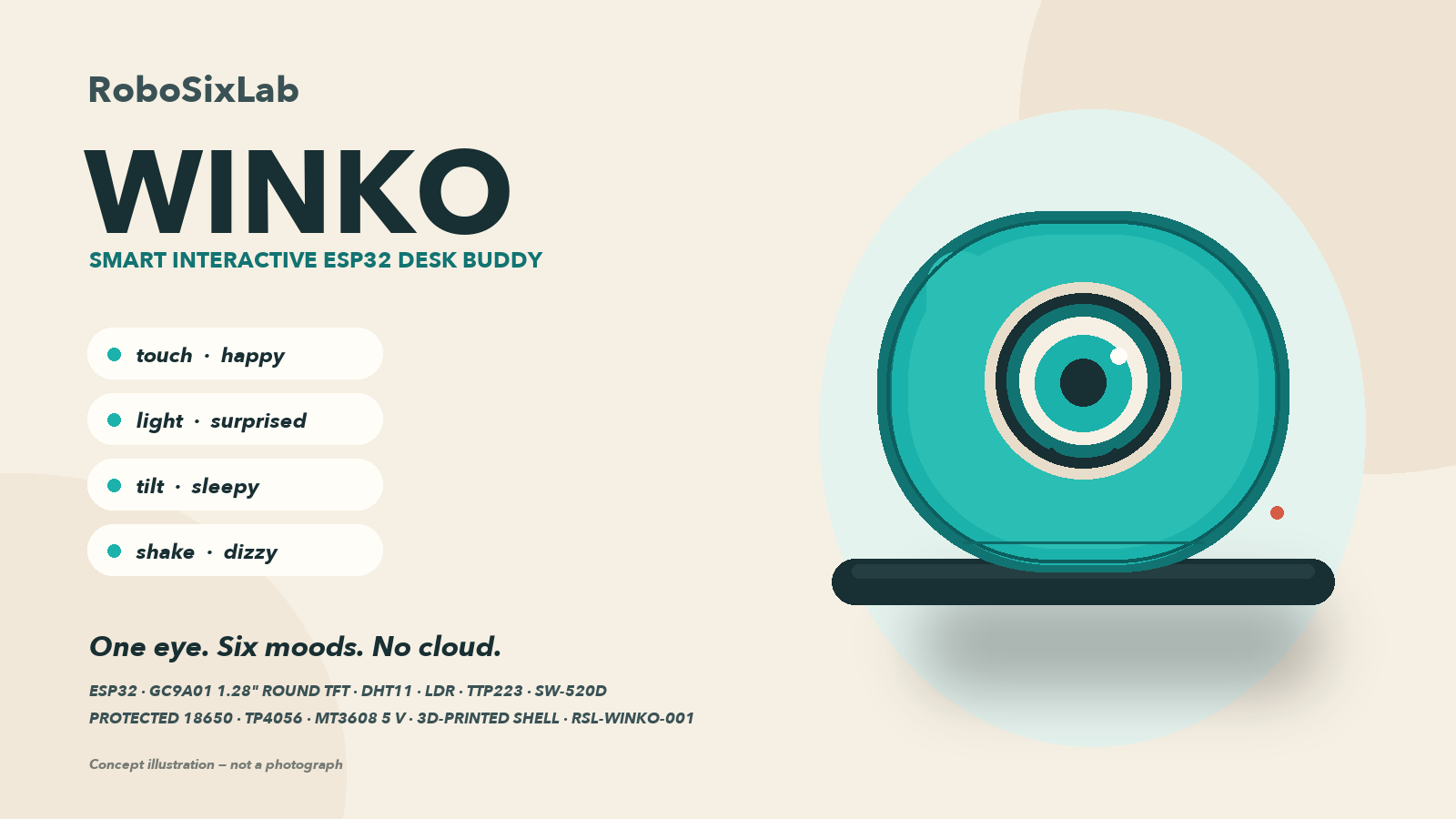
WINKO is a small, rounded desk companion with one large eye and a stubborn amount of personality. It looks around while you work, blinks when it feels like it, and changes mood when you touch it, shine a light or pick it up.
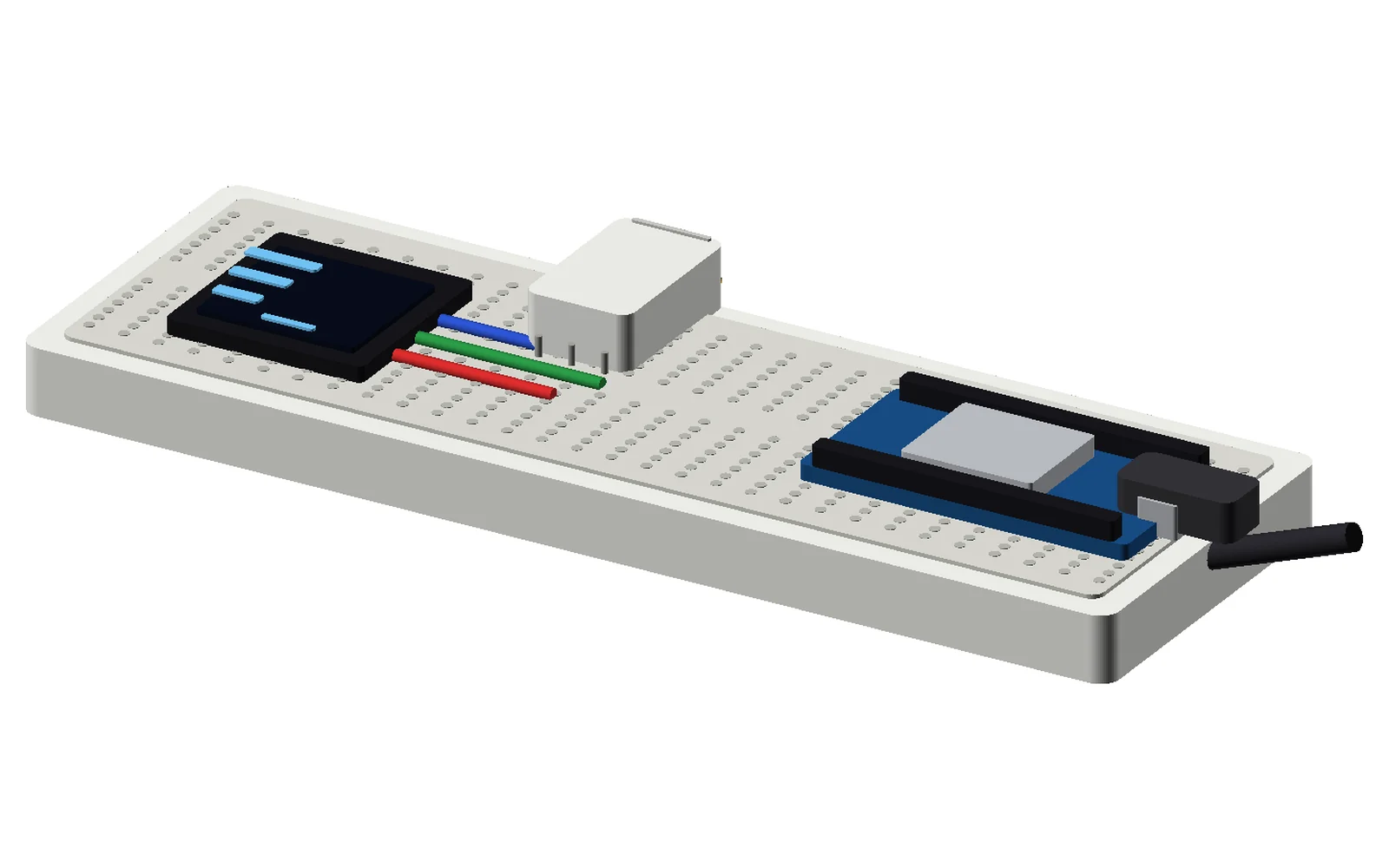
Under the shell is an ESP32, a 1.28-inch round display, four sensors and a protected 18650 power path. The firmware runs a non-blocking 25 fps render loop, so the eye keeps moving even while Wi-Fi reconnects or the temperature sensor is retrying. There is no camera, no microphone and no cloud account. Every local gesture works with the router off.
This is an R&D build, not a plug-and-play toy. You will solder a power harness, set a boost converter, print an enclosure and calibrate sensors in their final positions. The pack gives you every file, measurement and test in the order we would use them on the bench — but revision A has not been built or measured by RoboSixLab, so treat the first unit as a prototype and follow the safety notes.
Why it's different
What makes it special
One 240 × 240 round eye with six distinct states: NORMAL, HAPPY, SURPRISED, SLEEPY, DIZZY and INFO
Touch, light, tilt and shake gestures — no phone, app or cloud account
Protected 18650 power path with a fused charging input and a 5 V boost rail
Original 3D-printable pebble enclosure with editable OpenSCAD source and six STL files
Non-blocking ESP32 firmware with optional Wi-Fi clock and room-climate screen
Complete bench tests, calibration steps and a 10-step build path
What you'll learn
- Round-display graphics, sprites and frame timing
- Debouncing touch, light and tilt inputs without blocking the loop
- Safe lithium-cell power, charging and voltage measurement
- Designing a printable enclosure around real modules
- Testing a build methodically instead of guessing
Choose your components
Build WINKO — Smart Interactive ESP32 Desk Buddy: Complete Components Kit
Select the hardware you need, then add your selected components to your RoboSixLab shopping cart. Untick anything you already own.
Tools you'll need
- Soldering iron and solder
- Flush cutters and wire strippers
- Small Phillips and hex screwdrivers
- Digital multimeter
- 3D printer or printing service
- Computer with Arduino IDE 2.x
- USB-C charging cable and micro-USB data cable
Tools are not included in the pack or the component list.
Need the parts printed?
The digital guide does not include physical parts. Request a separate 3D printing quote for this project's STL files.
Straight answers
Before you unlock
Is WINKO a Minions or character replica?
No. WINKO is an original RoboSixLab design: a rounded turquoise and cream pebble with a single turquoise iris, not a character head. The enclosure, firmware, diagrams and text were created for this kit. There are no goggles, overalls, franchise logos or copied character files.
Are the electronic components included?
No. The guide price buys the digital pack. Every component is listed above with a live shop price, and you can buy the parts from us in one click or source them yourself. The first-build reference total is ₹3,910.50 including shared workshop packs of screws, fuses and heat-shrink; the core project parts are ₹3,103.50. The page total always reflects today's prices.
Do I need a 3D printer?
You need a way to print six parts, either on your own printer or through our separate 3D printing quote service. The digital pack includes the STLs and the editable OpenSCAD source. Print the fit coupon before committing to the full body.
Does WINKO work without Wi-Fi?
Yes. Touch, light, tilt, shake and every local mood work with no router and no saved credentials. Wi-Fi is optional and only adds the clock and network details on the INFO screen. If the network is missing, the eye keeps running.
Has this exact hardware been tested?
The firmware compiles cleanly and the CAD files export as closed meshes, but no physical WINKO has been assembled, printed, charged or measured by RoboSixLab. Revision A is an R&D design pack, not a certified product. The testing guide names every measurement that must pass before a unit is trusted.
Can I use WINKO for a school or college submission?
Yes. The pack explains how each subsystem works so you can present the design rather than just show a gadget. The licence is for your personal use; do not redistribute the files or sell printed copies of the enclosure.
What if I lose my download link?
Use Find your project link with the email you bought with. We will resend every project on that email. Your link keeps working after payment approval and there is no subscription.